Introduction to the Insta360 X5
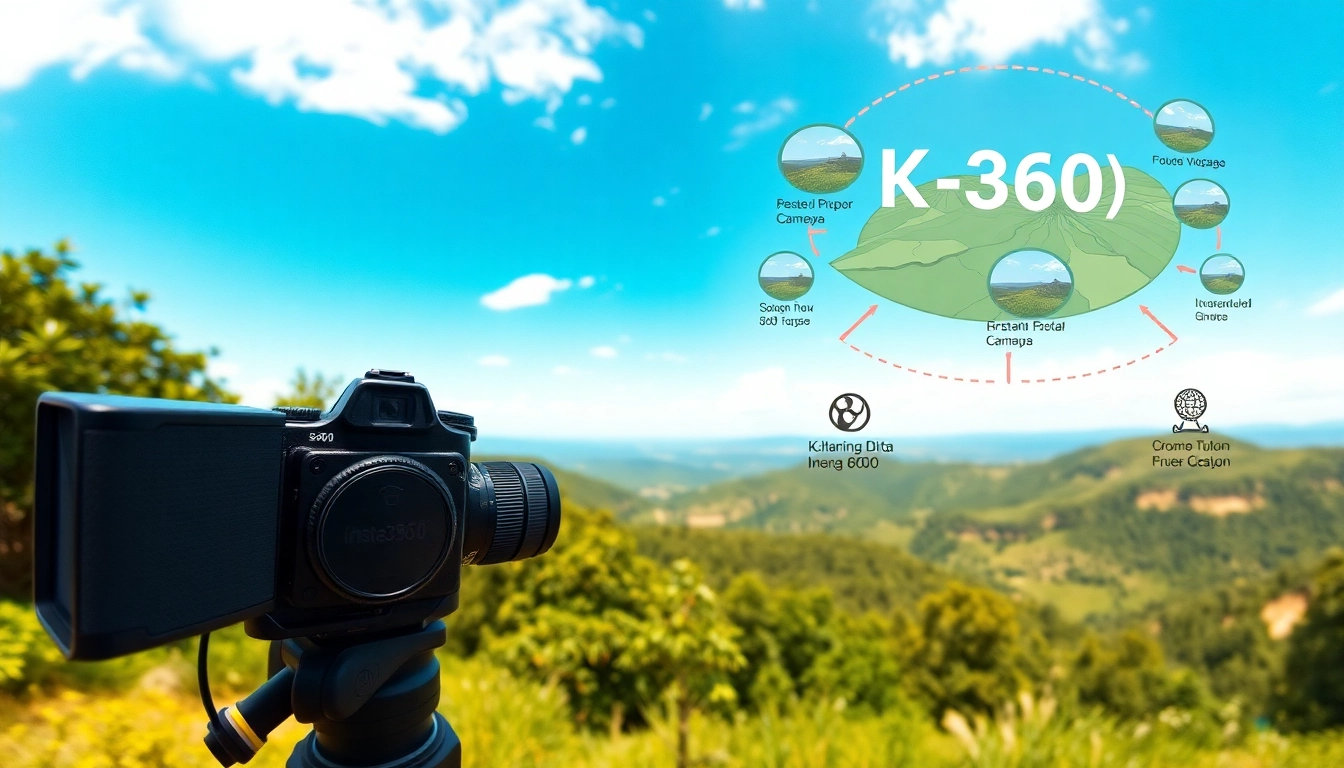
The Insta360 X5 stands as a revolutionary camera redefining the realm of 360-degree photography and videography. With its sleek design and advanced functionalities, this device is designed for both amateur enthusiasts and seasoned professionals. Its stunning 8K resolution captures moments with crystal clarity, making it an ideal choice for creators looking to push the boundaries of visual storytelling.
Key Features of Insta360 X5
The Insta360 X5 is packed with a plethora of features that enhance user experience and deliver impeccable results. Here are some of the standout attributes:
- 8K Video Quality: Experience ultra-high definition recordings at 30 frames per second, providing breathtaking clarity.
- Low Light Performance: Equipped with PureVideo technology, this camera excels in low light scenarios, making it perfect for nighttime shoots.
- Waterproof Capability: The Insta360 X5 can dive deep up to 49 feet, allowing for underwater photography without worries.
- Replaceable Lenses: Customize your shooting experience with various lens options, enhancing versatility.
- Invisible Selfie Stick: Capture third-person views seamlessly with the innovative invisible selfie stick effect.
Advantages of 8K 360 Photography
The advancement in 360 photography has fundamentally altered how we capture and express our experiences. Here are some advantages of utilizing the Insta360 X5 for 8K photography:
- Enhanced Detail: The 8K resolution dramatically improves detail, allowing viewers to immerse themselves in the visuals.
- Bigger Creative Canvas: With 360-degree filming, storytellers can convey narratives that engage viewers more deeply.
- Vivid Colors and Clarity: The advanced sensor technology ensures vibrant colors and sharp images, regardless of lighting conditions.
- Diverse Viewing Platforms: 8K content is compatible with many viewing platforms including VR headsets, making it suitable for a wide audience.
Who Should Use the Insta360 X5?
The Insta360 X5 caters to a diverse group of users. Here’s a look at who can benefit the most from this powerful device:
- Content Creators: Vloggers, filmmakers, and social media influencers seeking to produce high-quality, engaging content.
- Adventure Enthusiasts: Individuals eager to capture their outdoor adventures in an immersive format.
- Event Videographers: Professionals documenting weddings, parties, or live events with an engaging perspective.
- Artists: Creative professionals exploring cutting-edge mediums to express their artistic vision.
Getting Started with the Insta360 X5
Unboxing and Setup
Starting with the Insta360 X5 is straightforward. The unboxing experience showcases the camera, essential accessories, and a user manual. Here’s how to set it up:
- Remove the camera and accessories from the box.
- Charge your camera using the provided USB-C cable until fully charged.
- Insert the memory card into the designated slot for storage.
- Install the lens of your choice if you’ve opted for a replaceable lens.
- Download the Insta360 app on your smartphone for easy control and editing.
Understanding the Camera Controls
Familiarizing yourself with the controls of the Insta360 X5 is essential for maximizing its potential. Key controls include:
- Power Button: Located at the top; press to power on/off.
- Shutter Button: To take photos or start recording video.
- Mode Selector: Switch between photo, video, and various shooting modes.
- Settings Menu: Access advanced features such as resolution, frame rate, and connectivity options.
Initial Test Shots
Before diving into extensive shooting, take a few test shots to get a feel for the camera’s capabilities. Here’s a simple process:
- Select an outdoor area with natural light.
- Set the mode to ‘Photo’ and take a few images from different angles.
- Switch to ‘Video’ and record a short clip, ensuring to incorporate movement.
- Review the footage and images through the accompanying app for quick adjustments.
Advanced Techniques for Using the Insta360 X5
Best Practices for Low Light Conditions
When shooting in low light with the Insta360 X5, consider the following techniques:
- Utilize PureVideo: Take advantage of its low-light capabilities to achieve clearer images.
- Increase ISO Settings: Adjust ISO settings to enhance brightness without major quality loss.
- Use Stabilization Features: Enable stabilization to avoid shaky footage during low-light movements.
Creating Professional 360° Videos
Producing 360° videos that captivate requires thoughtful execution. Here are some techniques to ensure your videos stand out:
- Plan Your Shots: Storyboard your video to guide the shoot, ensuring key elements are in the frame.
- Incorporate Motion: Use movement to draw viewer attention, such as walking through scenes or rotating the camera.
- Engage Viewers: Create interactive experiences where viewers feel they are part of the scene.
Combining with Editing Software
Editing enhances the final quality of your work. Use compatible editing software to:
- Stitching Footage: Ensure seamless stitching of 360° clips for a polished look.
- Color Correction: Adjust colors to improve the visual quality of your shots.
- Add Effects: Include transitions and effects to enhance storytelling.
Common Challenges and Solutions
Dealing with Waterproofing Issues
While the Insta360 X5 is waterproof, challenges may arise when shooting underwater:
- Ensure Proper Seals: Regularly check seals and gaskets for wear and damage before use.
- Avoid Depth Limit: Stay mindful not to exceed the 49-foot waterproof limit.
- Remove Lens Guards: For best image quality underwater, remove lens guards before submersion.
Stitching Problems in 360° Mode
Stitching issues can detract from your videos:
- Lighting Conditions: Maintain consistent lighting when capturing footage to improve the stitching process.
- Slow Movements: Avoid rapid movements which can create irregular seams.
- Edit with Care: Utilize editing software to make adjustments where stitching errors are apparent.
Maximizing Battery Life
To extend your shooting time, apply these battery optimization tips:
- Use Battery Saving Modes: Enable any power-saving features available in settings.
- Limit Screen Brightness: Lower screen brightness to reduce power consumption during use.
- Carry Extras: Always have spare batteries on hand for extensive shooting sessions.
FAQs About the Insta360 X5
Can the Insta360 X5 go underwater?
Yes, the Insta360 X5 is waterproof up to 49 feet (15 meters). Ensure lens guards are removed before submerging.
What is the battery life of the Insta360 X5?
The camera typically offers about 3 hours of recording time under optimal conditions, depending on usage.
How does the Insta360 X5 compare with other models?
The Insta360 X5 boasts superior low-light performance and 8K resolution, making it a standout for 360 photography.
What accessories are recommended for the Insta360 X5?
Consider lens guards, a tripod for stability, and extra batteries for extended shooting sessions.
Is it easy to share content captured with the Insta360 X5?
Yes, you can easily share your 360 images and videos on social media directly from the device using its companion app.