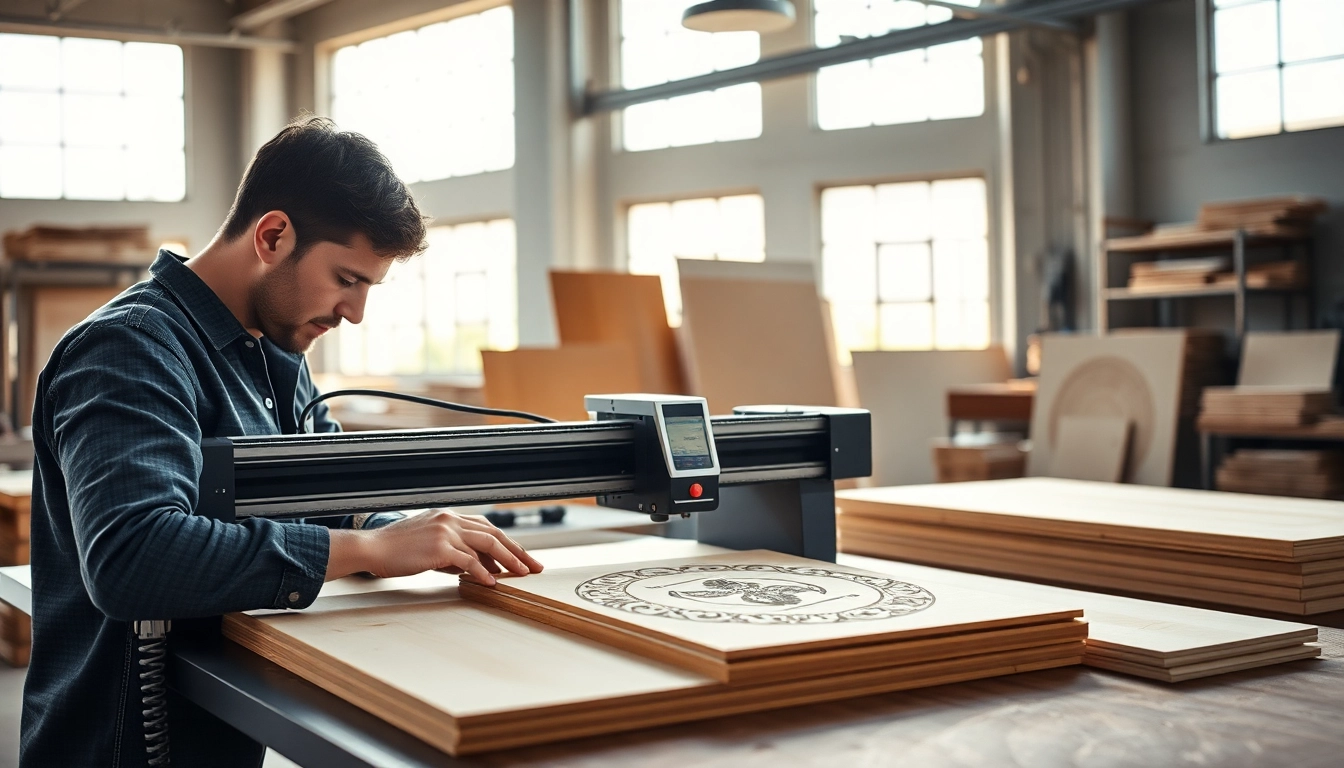
Understanding Custom Laser Design
In today’s fast-paced world of technology and design, custom laser design has emerged as a game-changer for a variety of industries. This innovative technology harnesses high-powered lasers to create intricate designs and engravings on various materials, offering a precision and creativity that traditional methods cannot match. Understanding the fundamentals of custom laser design is essential for businesses and individuals looking to utilize this cutting-edge technique effectively.
What is Custom Laser Design?
Custom laser design refers to the process of using laser cutting and engraving technology to create detailed and personalized designs on different substrates. This can include materials such as wood, metal, glass, leather, and acrylic. The laser works by directing a focused beam of light onto the material, allowing for precise cuts and engravings that can vary in depth, shape, and complexity. This technology is widely used for product personalization, signage, artwork, and even prototypes in manufacturing.
The Evolution of Laser Cutting Technology
Laser cutting technology has come a long way since its inception in the late 1960s. Initially used primarily for industrial applications, it has evolved significantly, making it accessible to small businesses and individual creators. The development of more powerful and affordable lasers has allowed for greater versatility and efficiency. Today, advancements such as computer numerical control (CNC) integration have made it easier to create intricate designs quickly and accurately, revolutionizing the way products are manufactured and customized.
Benefits of Custom Laser Design
Utilizing custom laser design offers numerous advantages, including:
- Precision: Lasers can cut and etch with incredible accuracy, ensuring that designs are replicated perfectly every time.
- Efficiency: Laser cutting and engraving are faster than traditional methods, saving time and increasing productivity.
- Flexibility: The technology can handle various materials, enabling the creation of diverse products from a single design file.
- Minimal Waste: Lasers create less waste compared to other cutting methods, making it an eco-friendly option.
- Customization: Tailoring products to meet specific customer needs is easier than ever, boosting customer satisfaction and loyalty.
Materials Used in Custom Laser Design
The choice of material is crucial in custom laser design, as different materials behave uniquely when subjected to laser cutting or engraving. Knowing which materials work best for your specific project can greatly affect the final product’s quality.
Choosing the Right Material for Your Project
When selecting a material for custom laser design, consider the attributes of each material type:
- Wood: Popular for its aesthetic appeal, wood can be engraved or cut, creating beautiful, personalized items like cutting boards or plaques.
- Acrylic: A versatile plastic that mimics glass, acrylic can be cut and engraved with vibrant colors and is often used for signage.
- Metal: Suitable for products requiring durability, metals like stainless steel and aluminum can be engraved to leave an impressive, lasting mark.
- Glass: Laser engraving enhances glass items, making it ideal for personalized gifts such as glassware and picture frames.
- Leather: A popular choice for custom items like wallets and belts, leather engraving achieves a classy, high-end finish.
Material Considerations for Different Applications
Each application may require a specific type of material to achieve the desired effect. For example, if you’re creating a product designed for outdoor use, metals or acrylics may be preferable due to their durability against the elements. For artistic applications, wood or glass may be more appropriate based on the visual impact desired. Additionally, ensure that the material can withstand the heat generated by the laser without burning or warping.
Common Mistakes to Avoid
When working with custom laser design, novices may often make common mistakes that can hinder project success. Here are a few to watch out for:
- Inaccurate File Preparation: Ensure your design files (like SVG or DXF) are in the correct format and resolution for the laser software to process them accurately.
- Ignoring Material Limitations: Each material has unique properties, and not all materials can be cut or engraved in the same way.
- Not Testing Settings: Bypassing material test runs can lead to disastrous results and wasted materials.
- Overlooking Safety Precautions: Ignoring safety can cause accidents or equipment damage. Always adhere to safety guidelines when operating a laser cutter.
Creating Your Own Custom Laser Design
Creating custom laser designs can be an exciting yet overwhelming experience for those new to the process. Here’s a comprehensive guide to help you embark on your design journey.
Design Software Options for Beginners
To create designs for laser cutting or engraving, several software options are available—ranging from beginner-friendly to advanced solutions. Some popular choices include:
- Adobe Illustrator: A professional tool for graphic design that offers powerful features for creating precise vector images.
- Inkscape: A free, open-source vector graphics editor that provides many features similar to Adobe Illustrator, suitable for beginners.
- CorelDRAW: Another industry-standard software that caters to graphic design and can be used for laser cutting purposes.
- Canva: A user-friendly tool for beginners creating simple designs, though not specifically tailored for laser design, it can help generate ideas.
Step-by-Step Guide to Designing Engravings
- Conceptualize Your Design: Sketch out ideas on paper to visualize how you want your final product to look.
- Select Your Software: Choose an appropriate design program that suits your skills and requirements.
- Create Your Design: Use tools within your software to trace, create, or modify your design until satisfied with the result.
- Export the File: Ensure your design is exported in a compatible format for laser cutting machines.
- Conduct a Test Cut: Before the final run, perform a test cut on scrap material to verify the settings and adjust if necessary.
Tips for Refining Your Design
Refining your design can greatly enhance the finished product’s quality. Here are some tips:
- Use Vector Graphics: Always create designs using vector graphics for best results, as they can be scaled without losing quality.
- Adjust Line Thickness: A line that’s too thin may not cut through the material effectively. Check the thickness based on the material type.
- Incorporate Safety Margins: Ensure designs account for kerfs—the material removed during cutting—especially for interlocking parts.
- Get Feedback: Share drafts with peers for constructive feedback to enhance your design further.
Applications of Custom Laser Design
Custom laser design finds applications across various industries, from personalized gifts to branding efforts. Each application highlights the versatility and innovation of this technology.
Personalized Gifts and Keepsakes
One of the most popular uses of custom laser design is in creating personalized gifts. Items like engraved jewelry, photo frames, or custom mugs can be tailored for special occasions such as weddings, anniversaries, or corporate events. The emotional connection associated with customized gifts ensures they remain memorable and cherished for years. Engraving names, dates, or heartfelt messages adds a unique touch, making the gift truly one-of-a-kind.
Custom Branding and Promotion
Businesses looking to enhance their branding efforts can leverage custom laser design for promotional products. Whether it’s personalized business cards, engraved pens, or branded merchandise, custom designs can help capture attention and build brand recognition. Furthermore, the tactile nature of these products creates a lasting impression, encouraging consumers to remember the brand long after the initial experience.
Innovations in Art and Decor Using Custom Laser Design
Custom laser design has also found its way into the art world, where it serves as a medium for contemporary artists. Laser-cut installations, intricate wood carvings, and detailed sculptures showcase the technology’s capabilities to create stunning visual works. Additionally, interior designs often incorporate laser-cut elements, such as decorative screens or wall art, to create unique spaces that stand out.
Frequently Asked Questions about Custom Laser Design
How can I create my own custom designs for laser engraving?
Create your designs using graphic design software like Adobe Illustrator or Inkscape, ensuring that your final file format is compatible with your laser cutter.
What materials can be laser cut?
Common materials for laser cutting include wood, acrylic, metal, glass, leather, and some thicker fabrics. Always check material specifications before cutting.
How do I prepare files for laser cutting?
Ensure your design files are in vector format, set correct dimensions, and adjust settings based on the material type to ensure proper cutting or engraving.
What safety precautions should I take?
Always wear appropriate safety gear, ensure proper ventilation, and maintain a clean workspace. Familiarize yourself with the operating procedures of your laser cutter.
Can I engrave photos with a laser?
Yes, laser engraving can reproduce images, but they need to be converted to black and white or grayscale formats. Higher resolution images yield better results.