Introduction to the MV88 Microphone
The MV88 microphone is a versatile tool for anyone seeking to enhance their audio recordings, whether for music, podcasts, or video production. It combines high-quality sound capture with user-friendly features, making it suitable for both professionals and amateurs. If you are looking to elevate your sound quality during recordings, the MV88 might be the perfect choice for you. In this article, we will delve deep into its features, setup, best practices for use, accessories, and tips for improving your recording skills.
What is the MV88?
The MV88 is a compact, digital stereo condenser microphone designed specifically for iOS devices. It connects through the Lightning connector, which allows for a seamless integration with devices like the iPhone and iPad. Offering a wide frequency range and low self-noise, the MV88 is perfect for capturing vocals and instruments alike, making it a go-to choice among musicians, content creators, and podcasters. It’s lightweight and portable, allowing users to take their recording studio on the go.
Key Features of the MV88
- Digital Stereo Recording: The MV88 captures stereo sound, providing rich, detailed audio that excels in various recording environments.
- Adjustable Stereo Width: Users can adjust the stereo width according to their recording needs, allowing for a more immersive listening experience.
- Built-in DSP and App Integration: The MV88 features built-in digital signal processing and can easily interface with the ShurePlus MOTIV app for real-time audio monitoring and recording adjustments.
- Compact and Portable Design: With its handy design, the MV88 is easy to carry, making it ideal for capturing spontaneous recordings wherever you are.
- Durable Construction: Built to withstand the rigors of travel and use, the MV88 boasts robust materials that ensure longevity.
Who Should Use the MV88?
The MV88 is designed for a broad spectrum of users. Here are some of the key groups that can benefit from this microphone:
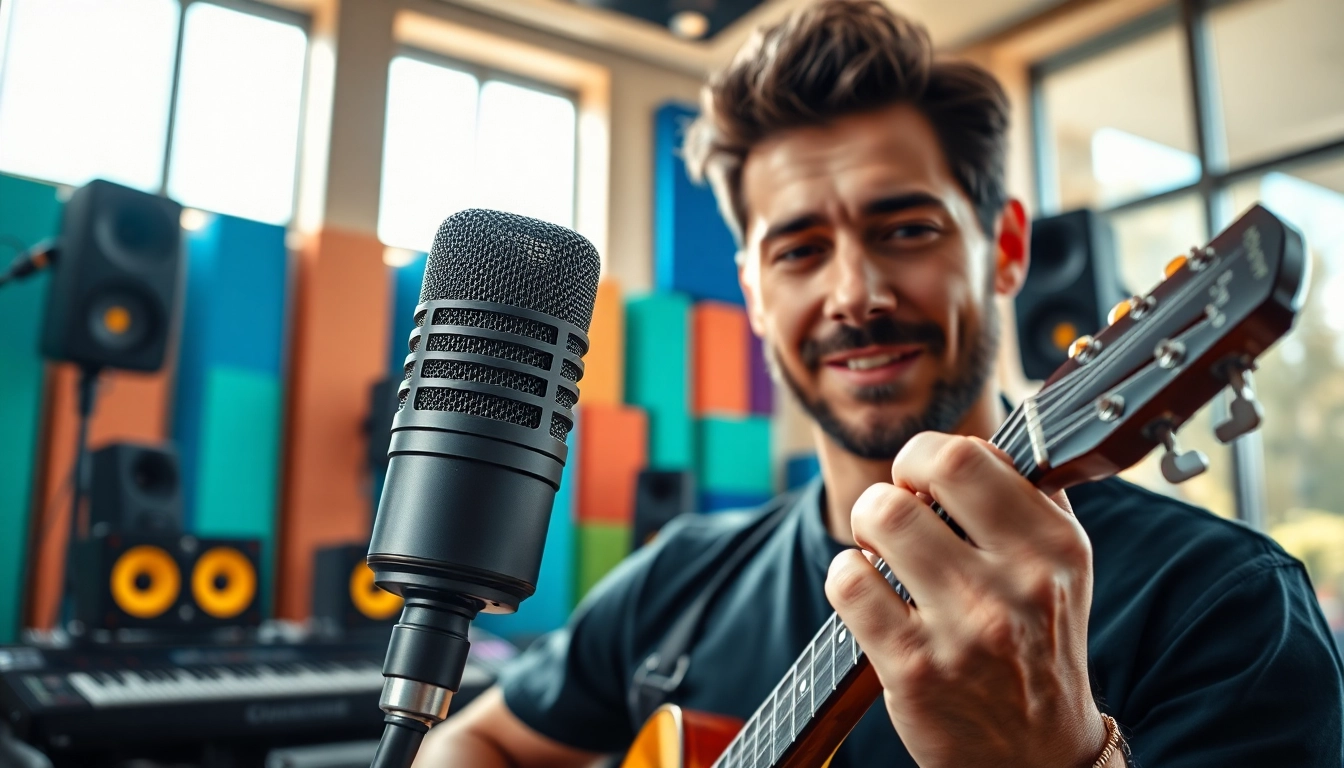
- Musicians: Whether you play guitar, piano, or sing, the MV88 captures the nuances of your performance delicately and accurately.
- Content Creators: Vloggers and YouTubers can enhance the audio quality of their videos, enabling clearer dialogue and enriched soundscapes.
- Podcasters: With simple connectivity to recording devices, the MV88 allows for high-quality audio that engages listeners.
- Field Recorders: Journalists and researchers can utilize this microphone for interviews and ambient sound capture in diverse environments.
Setting Up Your MV88 Microphone
Unboxing and Initial Setup
When you first purchase the MV88, it comes neatly packed with a few essential items. Inside the box, you will typically find the microphone itself, a lightning connector for ease of use with iOS devices, a carry pouch, and a quick start guide. To set up your MV88, follow these initial steps:
- Carefully remove the microphone and associated accessories from the box.
- Refer to the quick start guide for important information on usage and maintenance.
- Keep the device stored in the carry pouch when not in use to prevent damage.
Connecting to Your Device
Connecting the MV88 to your iOS device is a straightforward process. Simply plug the microphone into the Lightning port of your iPhone or iPad. Once connected, the device should recognize the MV88 automatically. It is advisable to download the ShurePlus MOTIV app to gain access to enhanced features such as adjustable gain levels, orientation control, and audio settings tailored to your specific recording needs.
Adjusting Settings for Optimal Sound
To get the best sound quality from your MV88, it is essential to adjust its settings correctly. Open the ShurePlus MOTIV app after connecting the microphone. Within the app, you can:
- Choose from different stereo modes (e.g., stereo width, mono).
- Adjust the gain settings to ensure that your audio levels are optimal for recording — not too loud to cause distortion, and not too soft to lose quality.
- Enable wind noise reduction if you are recording in outdoor environments.
- Use the Trim function to avoid clipping, especially during loud performances.
Best Practices for Using the MV88
Recording Techniques for Different Genres
The MV88 microphone's design makes it suitable for various genres. Here are tailored techniques for effectively recording different types of audio:
- For Vocal Recordings: Position the MV88 approximately six to twelve inches away from the vocalist for clarity and depth. Make sure to use the app's built-in features for optimizing voice capture.
- For Instrumental Music: Experiment with placement; for example, place the microphone near the soundhole of a guitar or aimed towards the bell of a trumpet for improved sound quality.
- For Field Recordings: Pay attention to background noise. Depending on your recording environment, use windshields and experiment with microphone orientation to capture desired sounds effectively.
Environmental Factors Affecting Sound Quality
Each recording studio or location presents its unique audio challenges. Being aware of environmental factors can significantly impact the quality of your recordings:
- Room Acoustics: Rooms with hard surfaces may reflect sound, leading to echo. Consider using soft furnishings or acoustic panels to minimize interference.
- External Noise: If recording in busy areas, background sounds can intrude. Choose quieter times or experiment with directional settings of the MV88 to minimize this.
- Weather Conditions: For outdoor recordings, high winds can introduce noise. Using a windscreen can mitigate this issue and improve overall sound capture.
Common Mistakes to Avoid
While using the MV88, it's easy to make simple mistakes that can affect sound quality. Some common pitfalls include:
- Incorrect Placement: Positioning the microphone too closely or far from the sound source can negatively affect audio levels.
- Ignoring Background Noise: Failing to manage environmental noise can ruin recordings. Always assess your surroundings before starting.
- Over-Adjusting Settings: While it's beneficial to adjust settings, excessive modifications can lead to poor sound quality. Simplicity is key to obtaining a clean sound.
Enhancing Your Recordings with Accessories
Recommended Gear to Pair with the MV88
To further optimize your audio quality, pairing the MV88 with some accessories is recommended:
- Tripods and Stands: Providing stability during recordings helps to prevent unwanted noise from handling the microphone.
- Audio Interfaces: For more professional much-sloped sound, consider using an audio interface that can work well with the MV88, linking to external sources seamlessly.
- Portable Recording Cases: To ensure the longevity of your microphone and its accessories, invest in a portable and protective case.
Using Pop Filters and Windscreens
Utilizing pop filters and windscreens can take your recordings to the next level by improving tone quality:
- Pop Filters: These help to eliminate plosive sounds when speaking or singing into the microphone, producing cleaner audio.
- Windscreens: In outdoor settings or windy environments, windscreens help to minimize wind noise interference.
Monitoring Your Sound with Headphones
To achieve optimal sound quality, monitoring your recordings through headphones is crucial. This practice allows for real-time adjustments to be made while recording. Choose open-back headphones for a more natural sound when monitoring audio, or closed-back headphones to avoid feedback when recording.
Improving Your Skills as a User of the MV88
Editing and Post-Production Tips
Once you have recorded your audio using the MV88, the next step involves editing and refining your sound. Here are some expert tips for this phase:
- Choose the Right Software: Utilize DAWs (Digital Audio Workstations) such as Logic Pro, Pro Tools, or Adobe Audition for efficient editing. Familiarize yourself with the tools they offer.
- Apply EQ and Compression: Use equalization to balance frequencies and compression to even out volume levels throughout your recording.
- Leverage Silence and Sound Space: Don’t shy away from leaving silence or spaces in your recordings for dramatic effect. This can enhance listener engagement.
Learning from Live Performances
Live performances offer invaluable experience when using the MV88. Whether at open mic nights or concerts, observe audience reactions and gain insights into how different setups work in real time. This exposure allows you to fine-tune your skills under varying conditions and informs your future recording practices.
Engaging with the Music Community for Feedback
Finally, engaging with the music community can offer critical feedback and inspiration. Participate in forums, attend workshops, and share your recordings for constructive criticism. The community aspect can lead to collaborative opportunities, enhanced skills, and increased confidence in using your MV88 to its fullest potential.